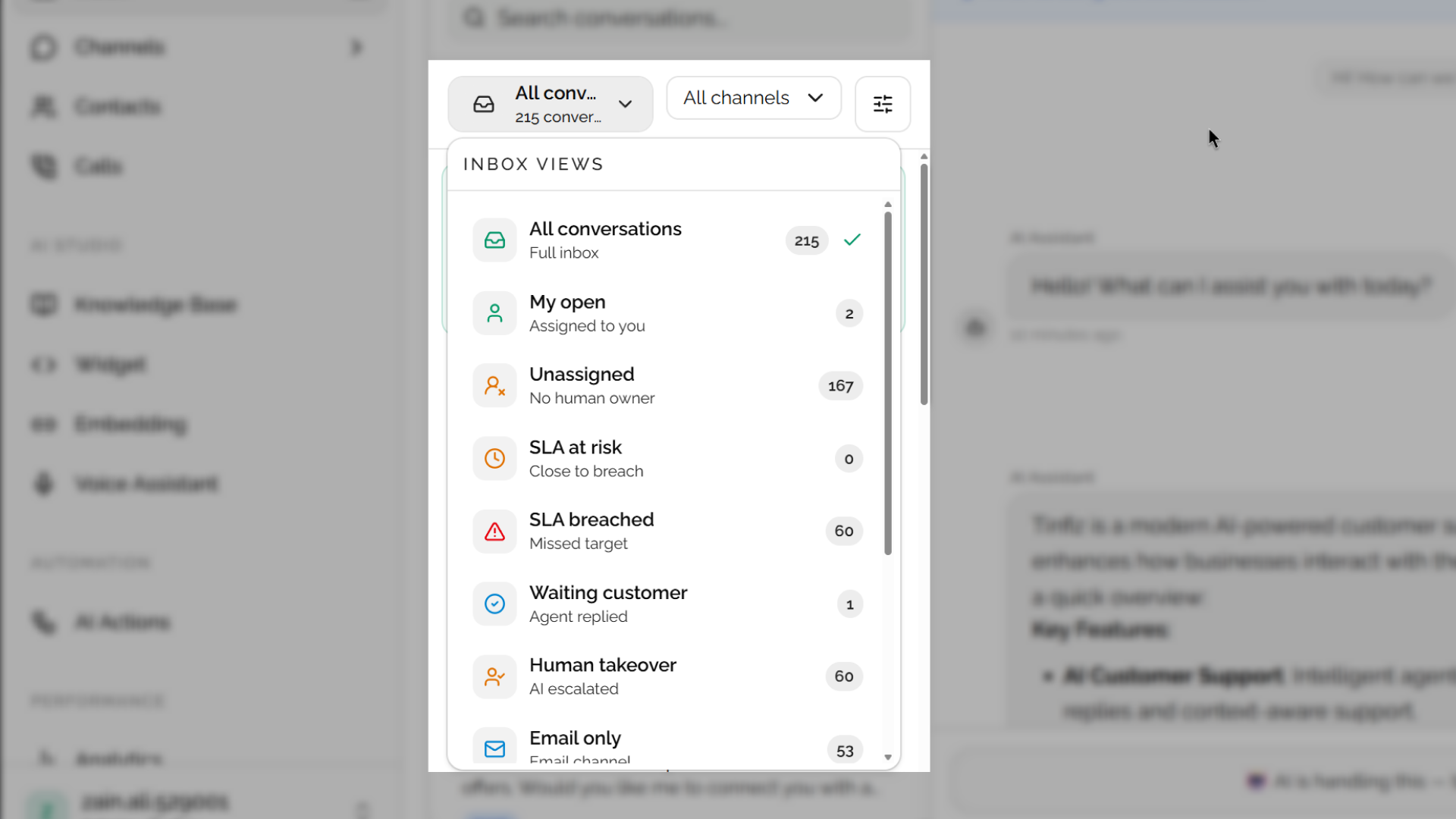
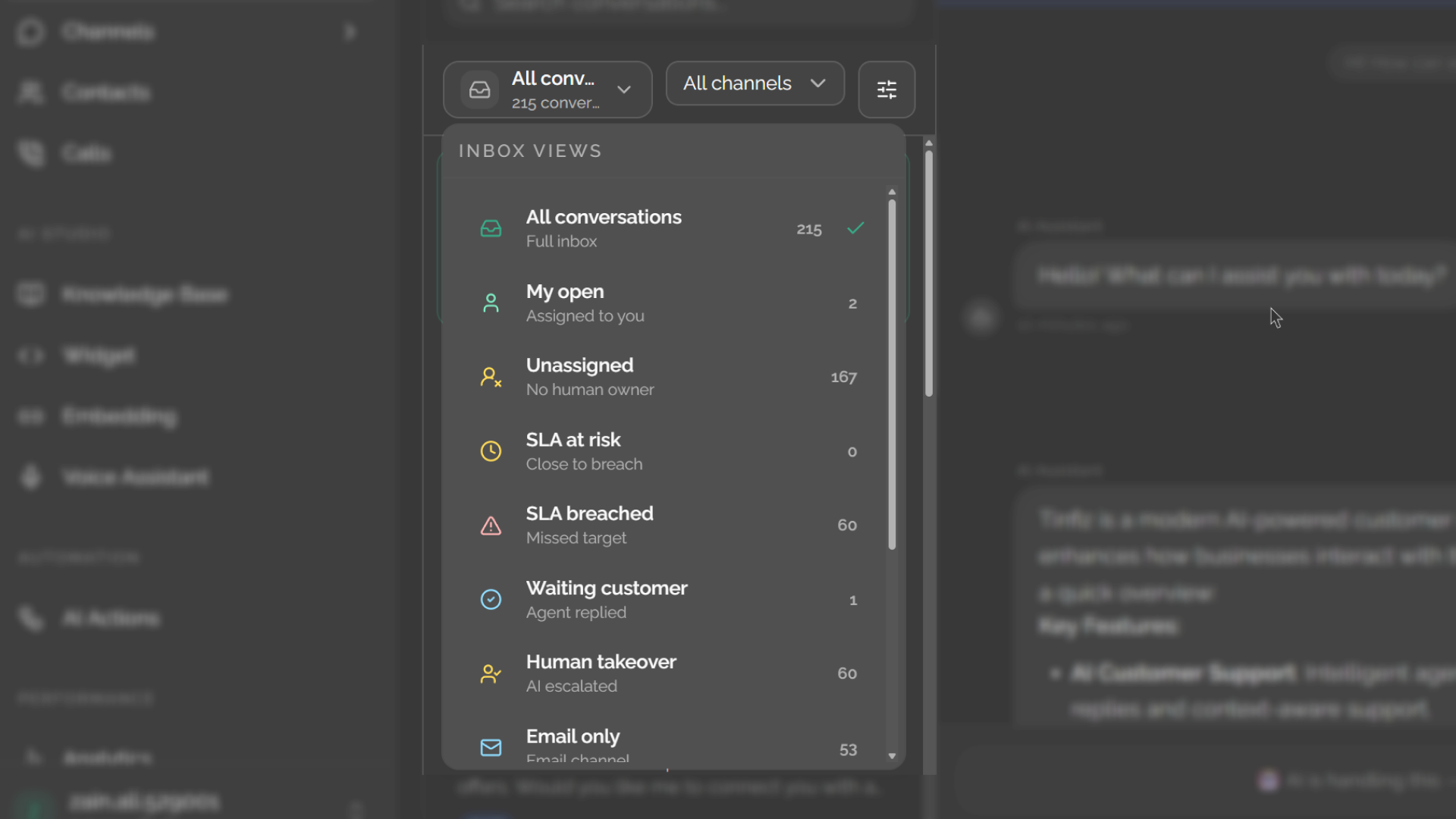
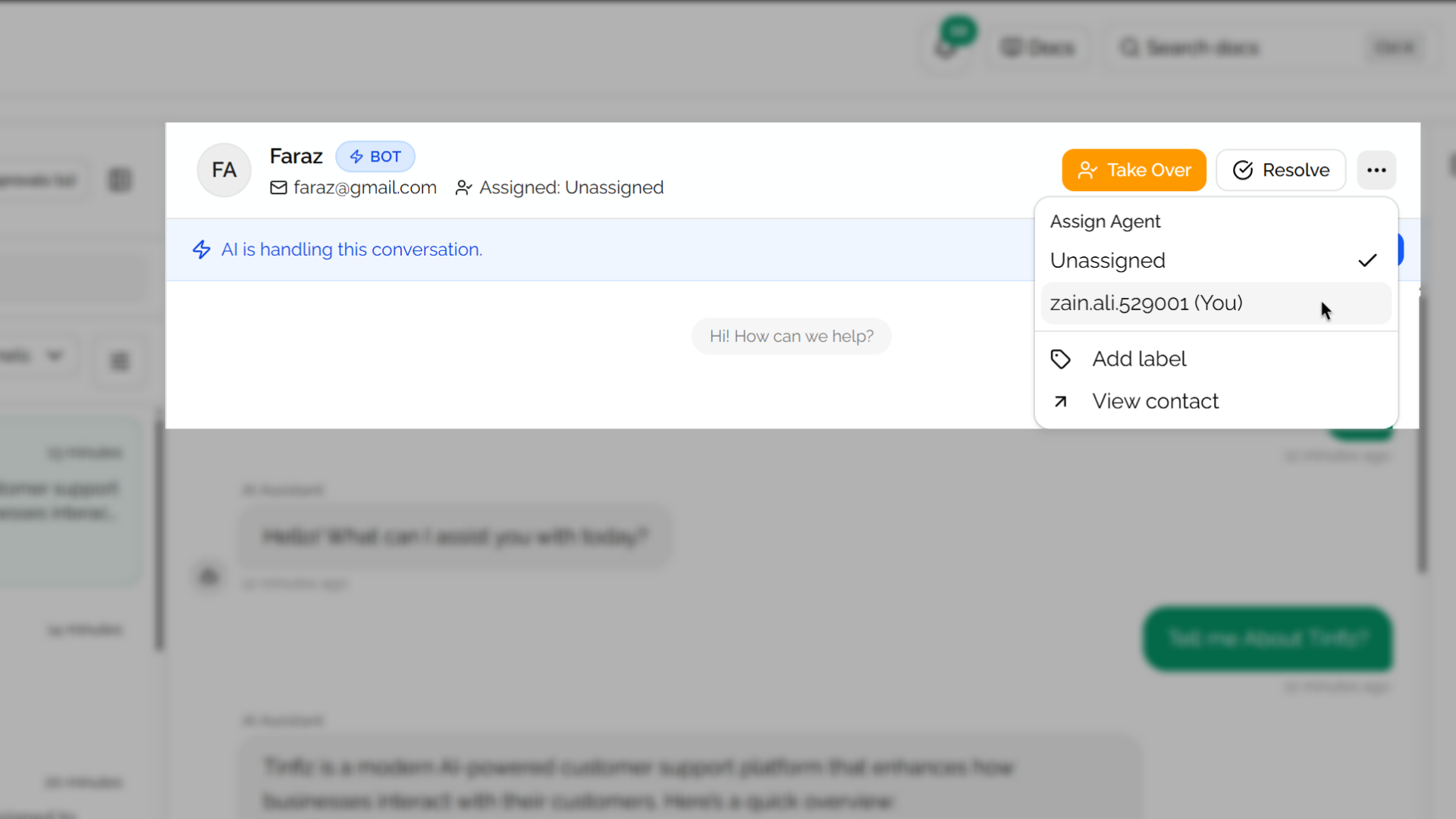
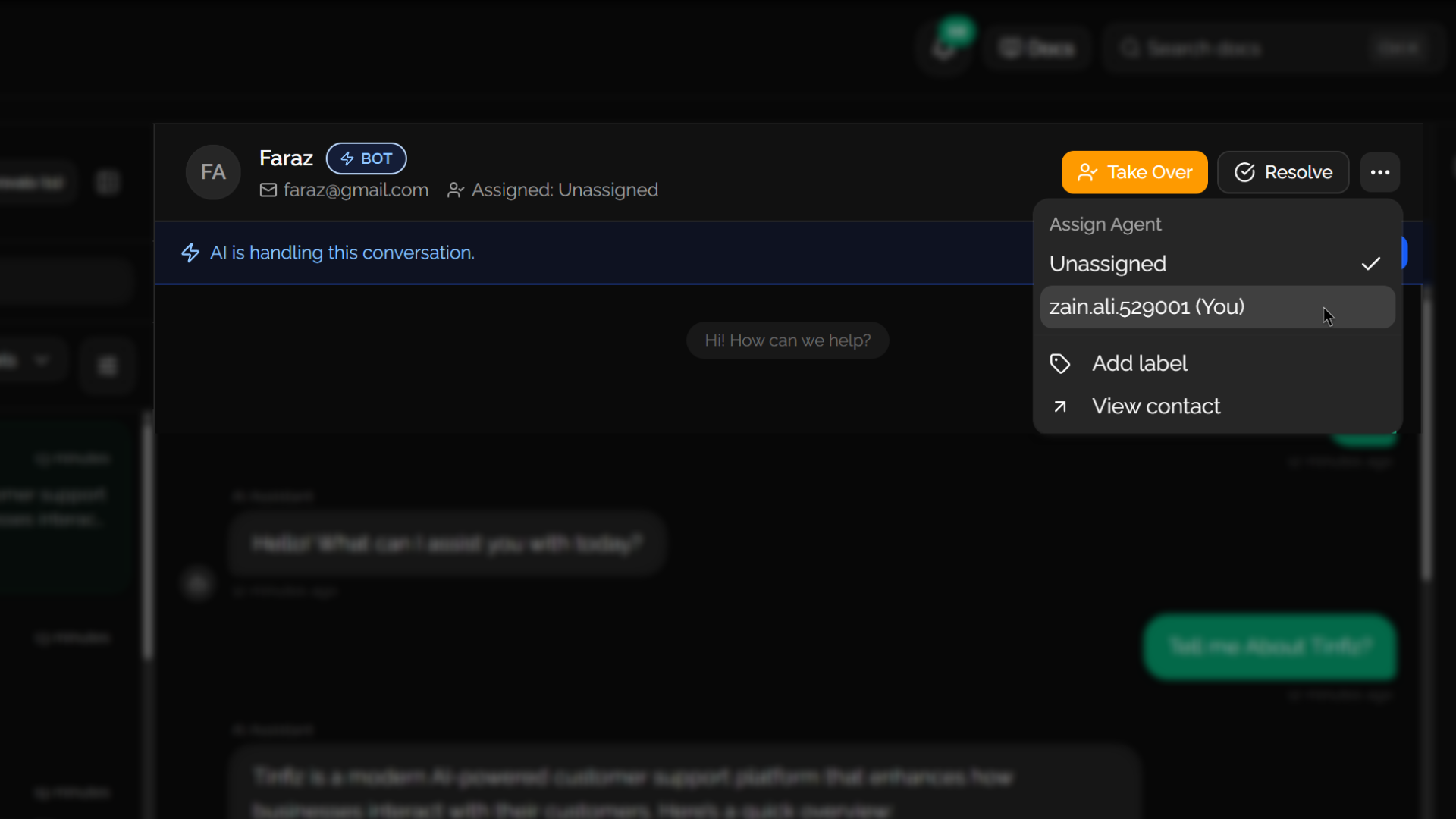
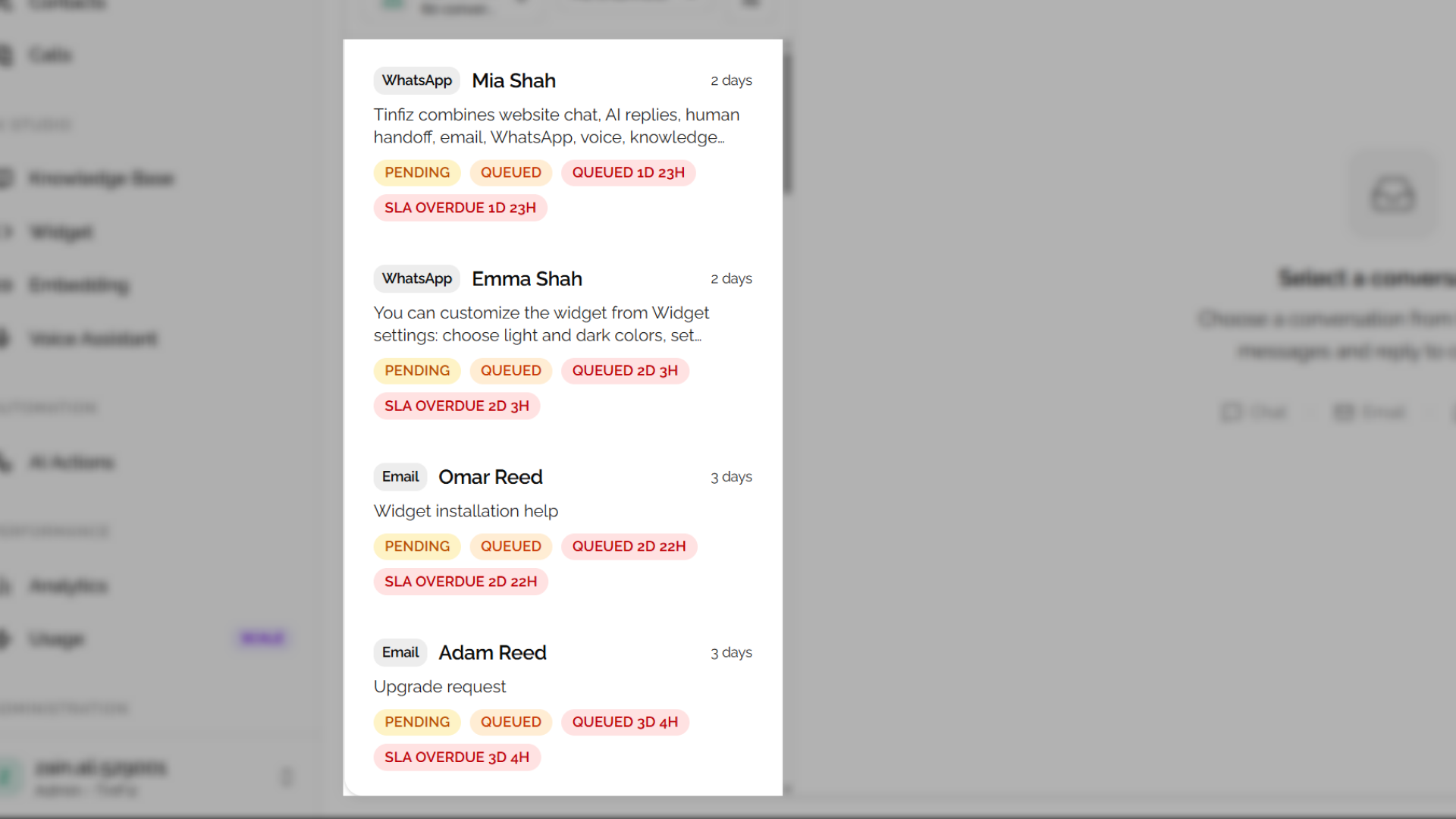
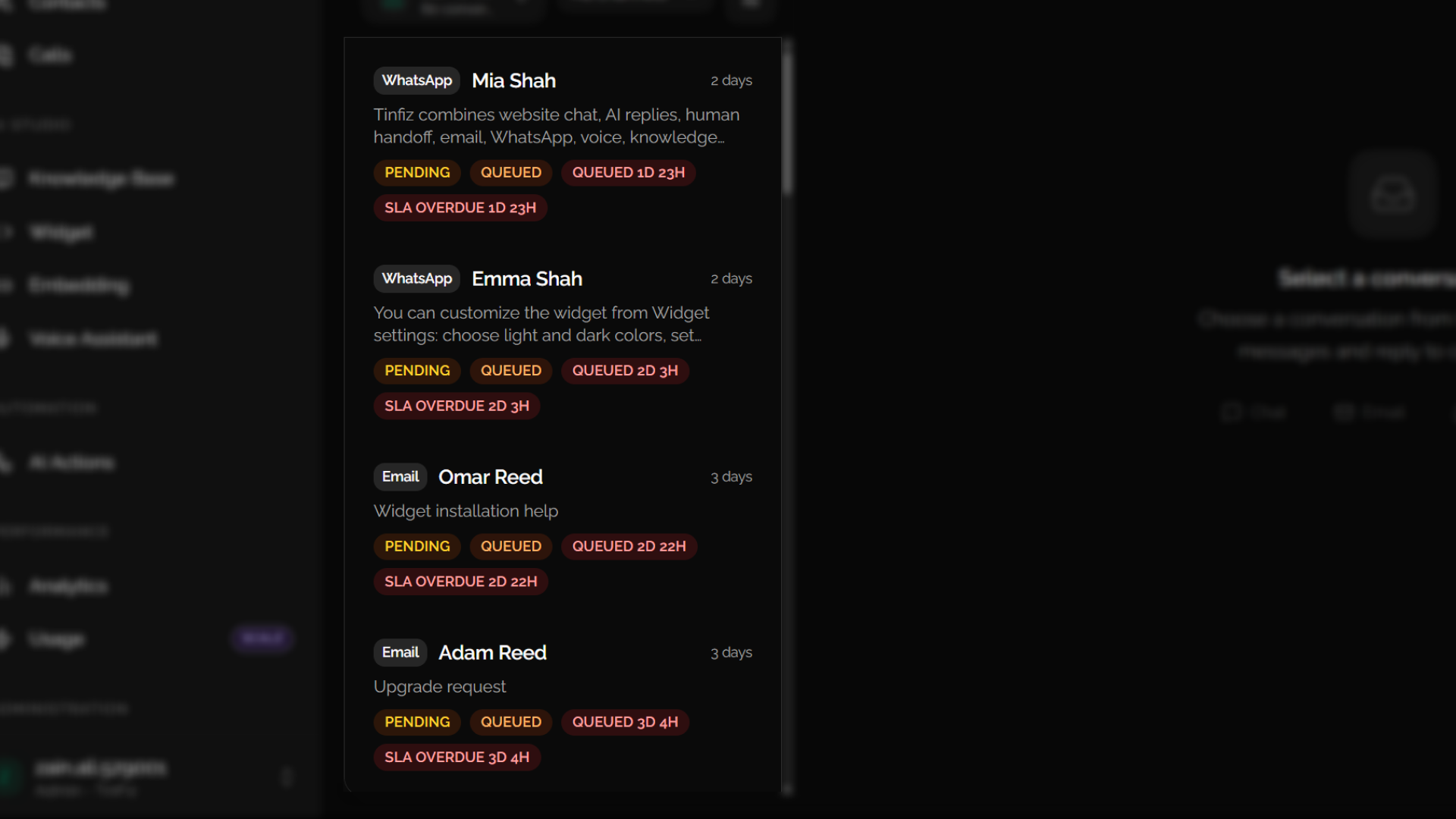
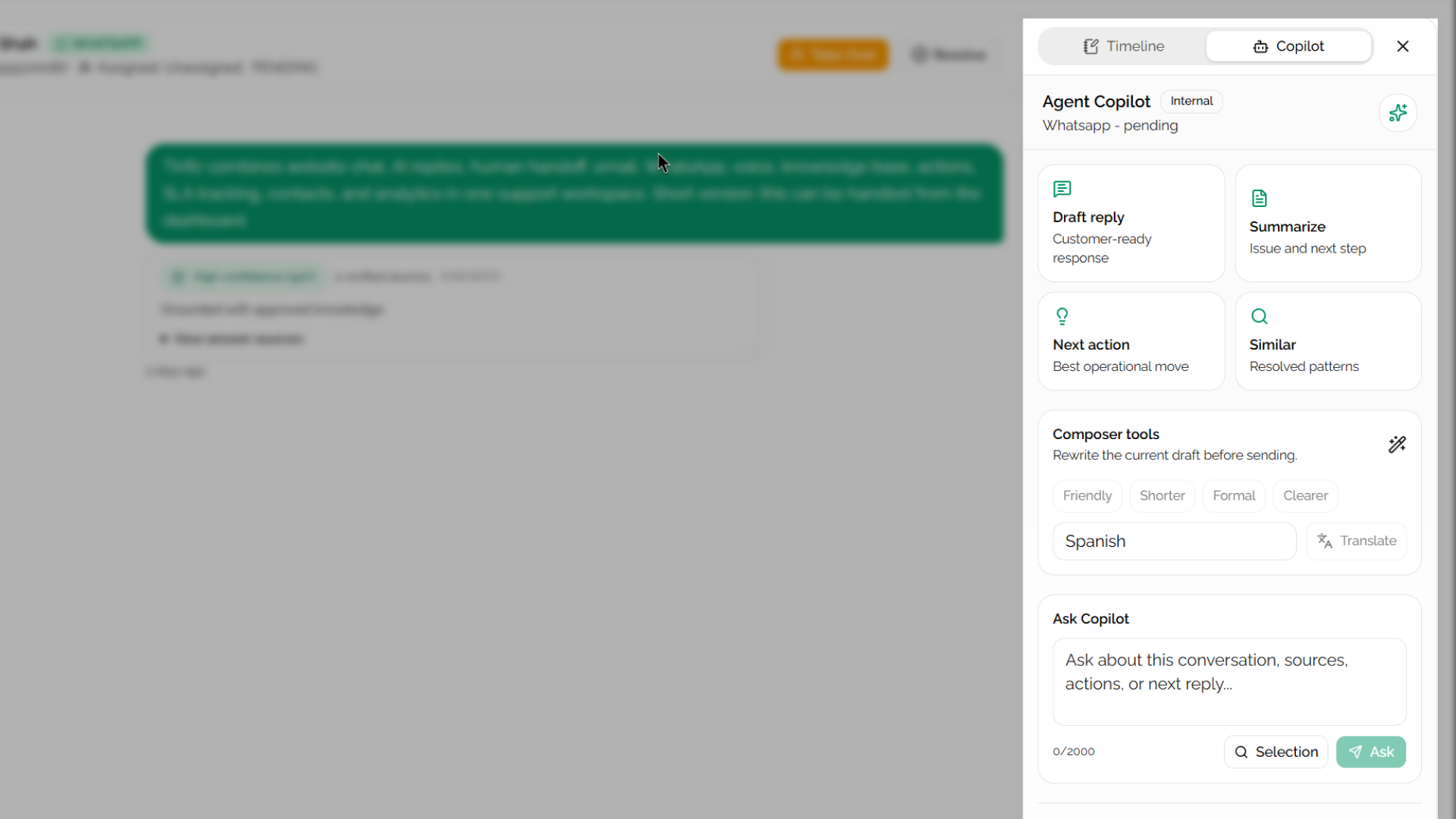
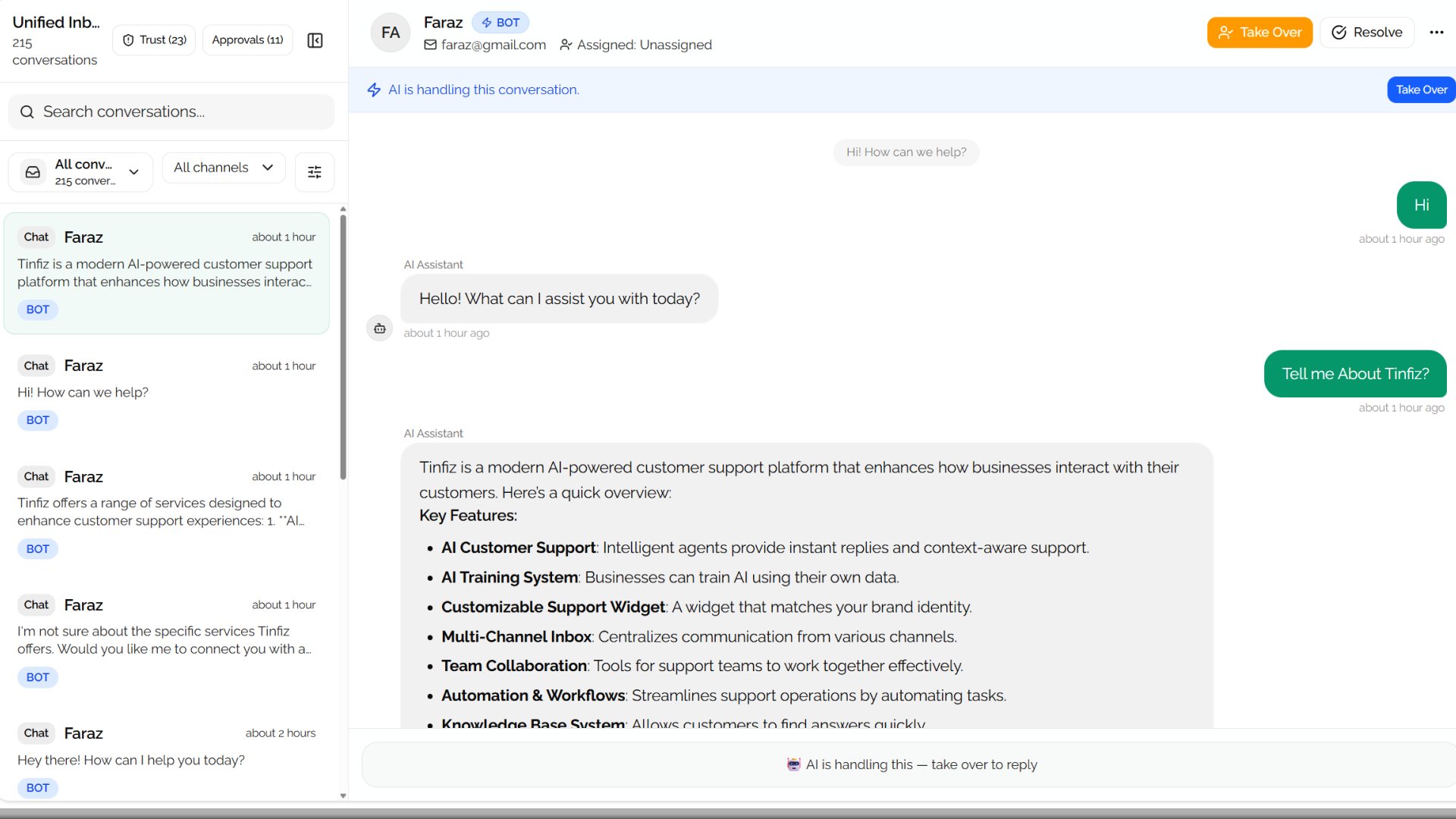
Every channel in one queue
Website chat, email, WhatsApp, and voice can move through one support workspace instead of scattered tabs and missed context.
Tinfiz brings your website widget, unified inbox, knowledge base, AI actions, email, WhatsApp, voice, CSAT, and analytics into one calm support workspace.
Start with a plan trial and continue on the same plan for production.
Problem to solution
What breaks
Most support teams patch together 4-5 separate tools. Chat widget from one company. Email helpdesk from another. WhatsApp through a third. Voice somewhere else. Each one has its own login, its own context, and its own invoice.
Then there's the pricing model. Per seat, per resolution, per channel - every new hire and every busy week shows up on the bill. AI Copilot isn't included. Voice costs extra. WhatsApp is another tier. You end up paying not just for software, but for the right to use features you assumed you already had.
What Tinfiz changes
Tinfiz puts all of it in one workspace at one flat monthly price. Not per agent. Not per resolution. The bill doesn't change because you hired someone or had a high-volume week.
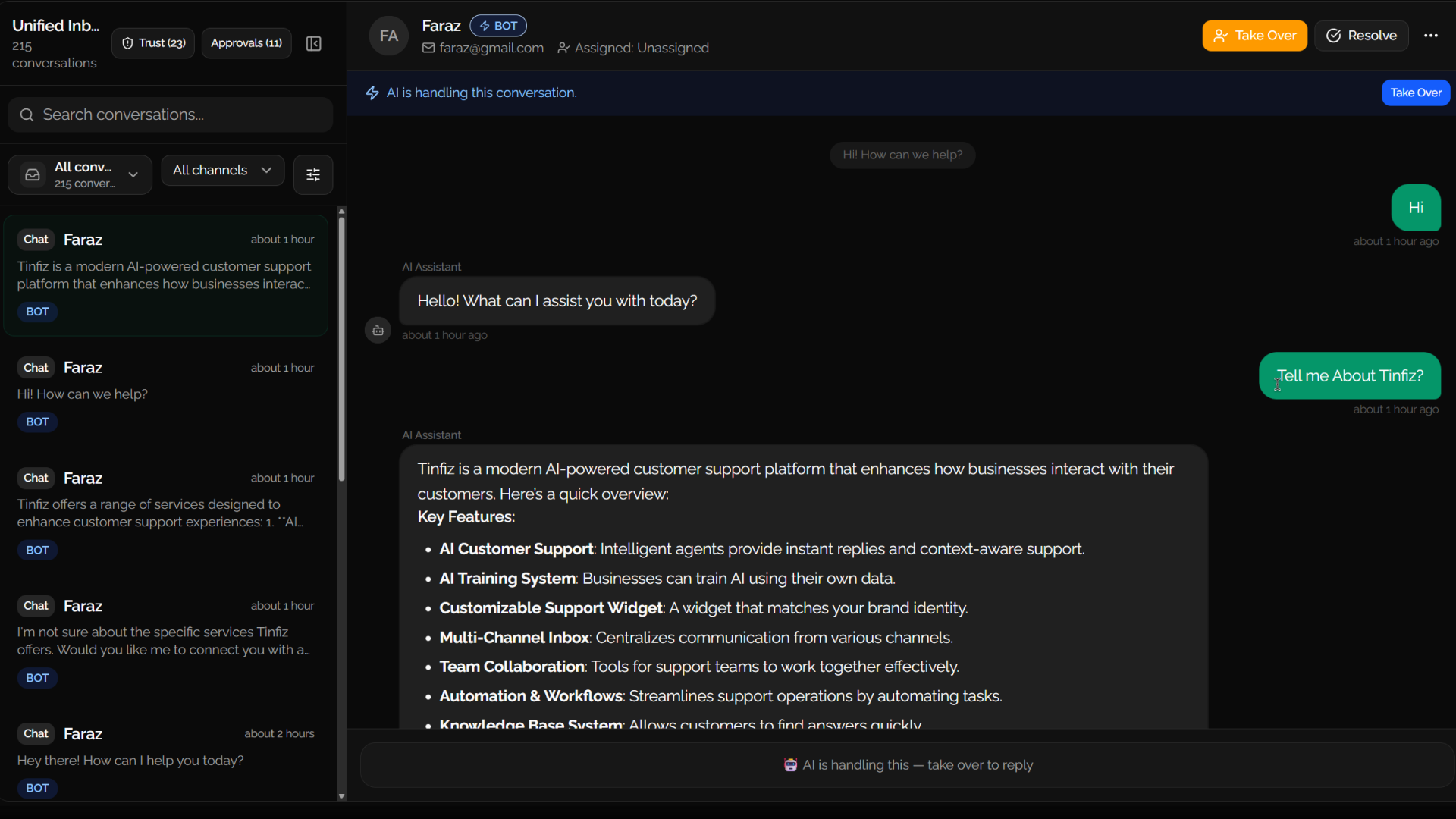
Website chat, email, WhatsApp, and voice can move through one support workspace instead of scattered tabs and missed context.
AI uses approved knowledge sources, source health, and no-verified-answer handling so teams can trust what customers receive.
Tinfiz connects AI, human agents, actions, customer feedback, and analytics so support does not become a pile of disconnected tools.
Let AI answer from approved knowledge, call safe API actions, and request handoff when the customer needs a person.
Your team keeps visibility through assignments, notes, timeline, approvals, CSAT, and analytics.
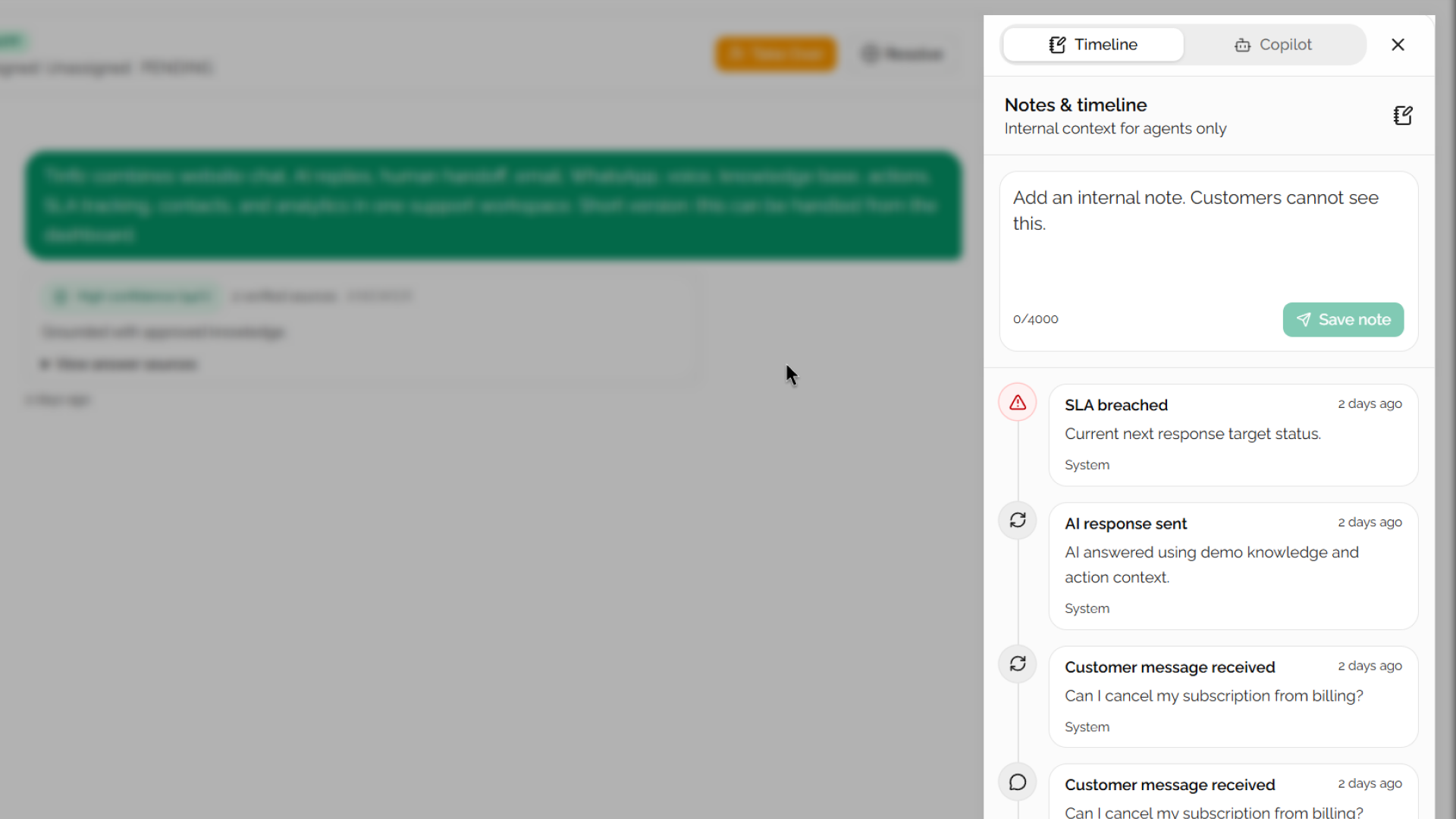
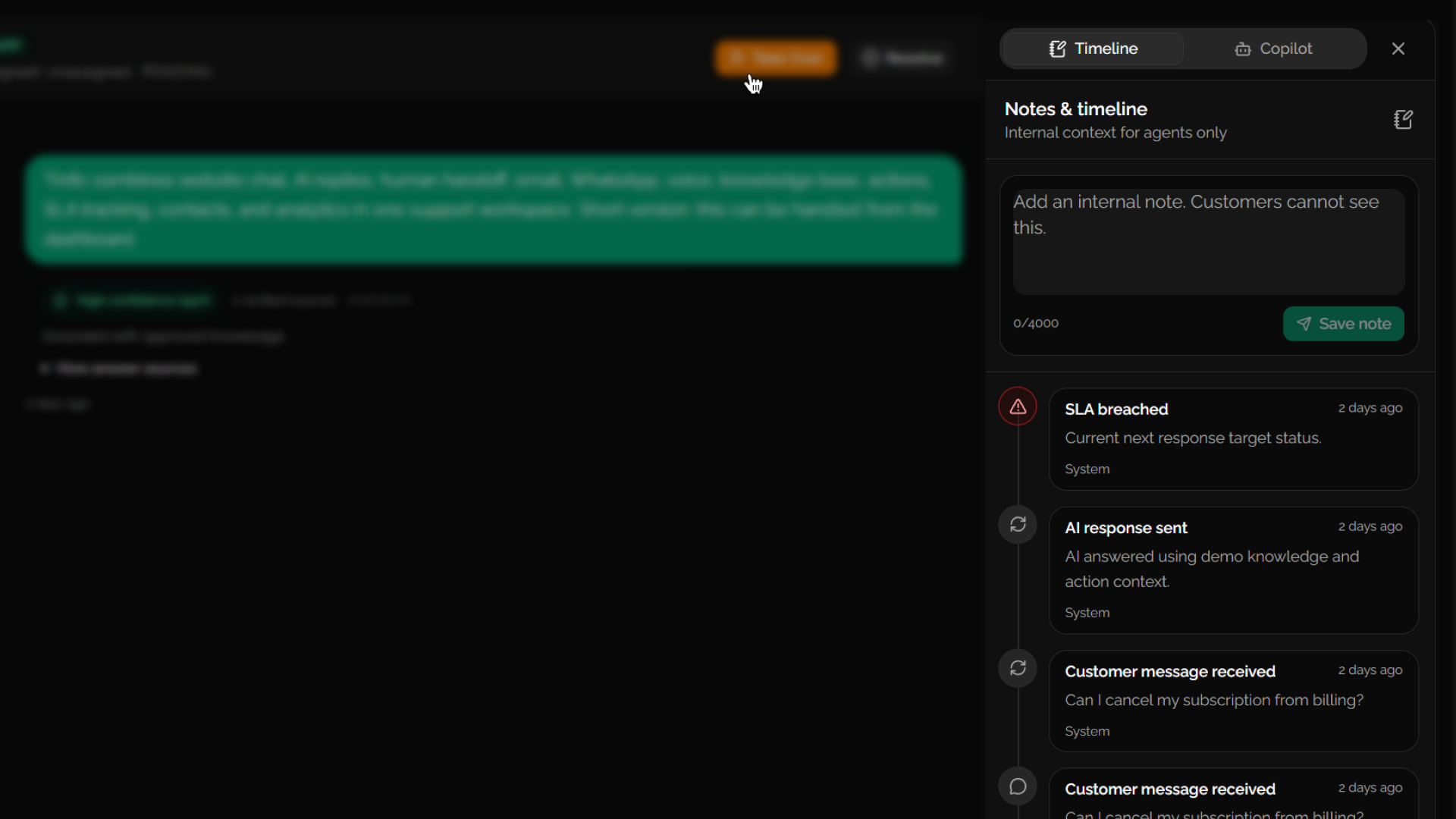
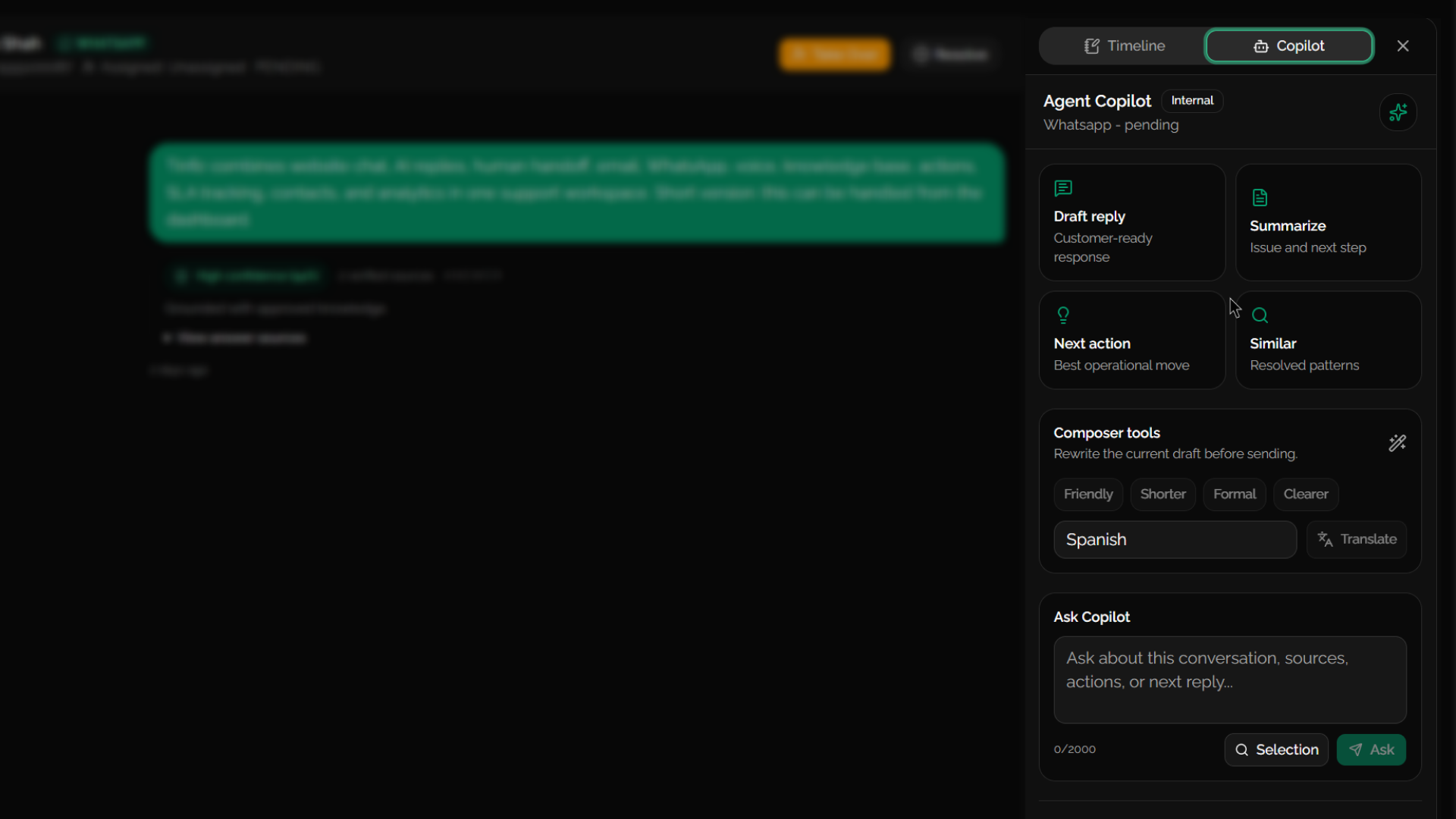
Tinfiz brings live conversations, ownership, SLA pressure, internal notes, source visibility, and Copilot assistance into the same operational surface. Agents do not need to jump between tabs to understand what is happening.
Let AI read approved systems through safe API actions, with every request visible before it runs.
Test payloads, required parameters, response shape, and failure reasons before customers depend on them.
Safe
Write actions wait for approval.
Visible
Logs show request, response, status, and latency.
Scoped
Secrets and outbound domains stay controlled.
Every action leaves a trail. Teams can review success, retry safe failures, and approve risky writes.
Parameter check
orderId
Execution preview
GET /orders/{id}
Approval gate
write actions
Add a URL, document, or note, watch it become retrievable chunks, then preview how a customer would receive a grounded answer.
Interactive knowledge test
A safe marketing demo. It simulates ingestion locally without calling your production crawler or AI credits.
Once chunks are ready, test how a customer-facing answer can stay grounded.
Crawl a page
Paste a public help article or product page.
Index pipeline
Visible only after testing.
Once chunks are ready, test how a customer-facing answer can stay grounded.
Add a source first
The chat preview stays quiet until knowledge has been tested, so the demo does not feel pre-filled or fake.
Start simple with website chat, then add email, WhatsApp, and voice when your support volume needs more surfaces without splitting the team across tools.
Starter
Start with the fastest support surface: widget conversations, AI replies, history, and human takeover.
Pro + Scale
Handle structured conversations where customers expect complete context and a polished response.
Pro + Scale
Support high-intent mobile conversations with concise answers and channel-specific formatting.
Pro + Scale
Use AI voice for calls, transcripts, summaries, and follow-up context inside the support workspace.
Starter includes website chat only.
Pro and Scale include email, WhatsApp, and voice with usage limits.
Tinfiz turns conversation demand, SLA pressure, customer satisfaction, AI quality, and channel health into one operational view for the team.
Performance and satisfaction
Demand, SLA, CSAT, AI quality, and channel visibility.
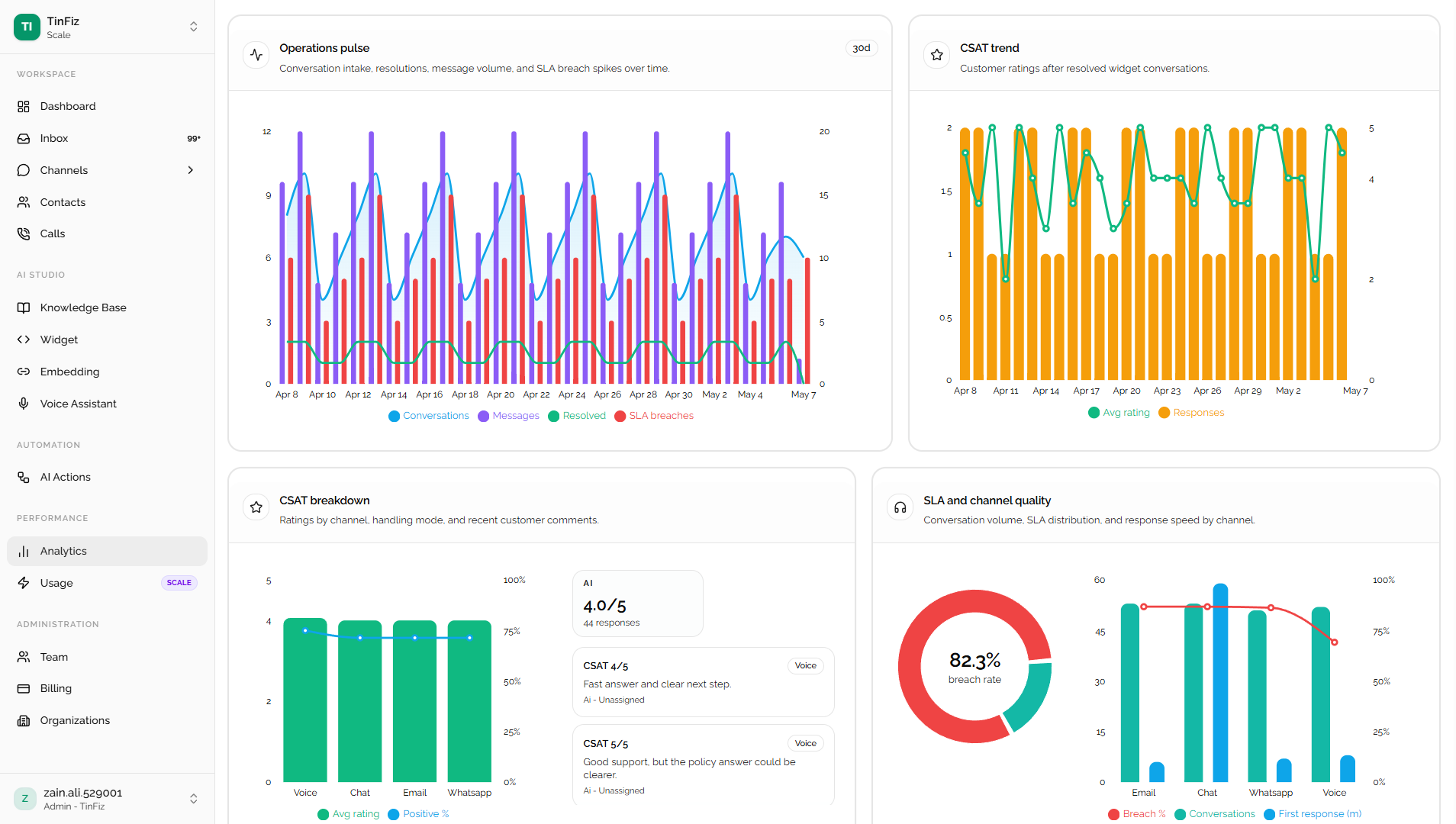
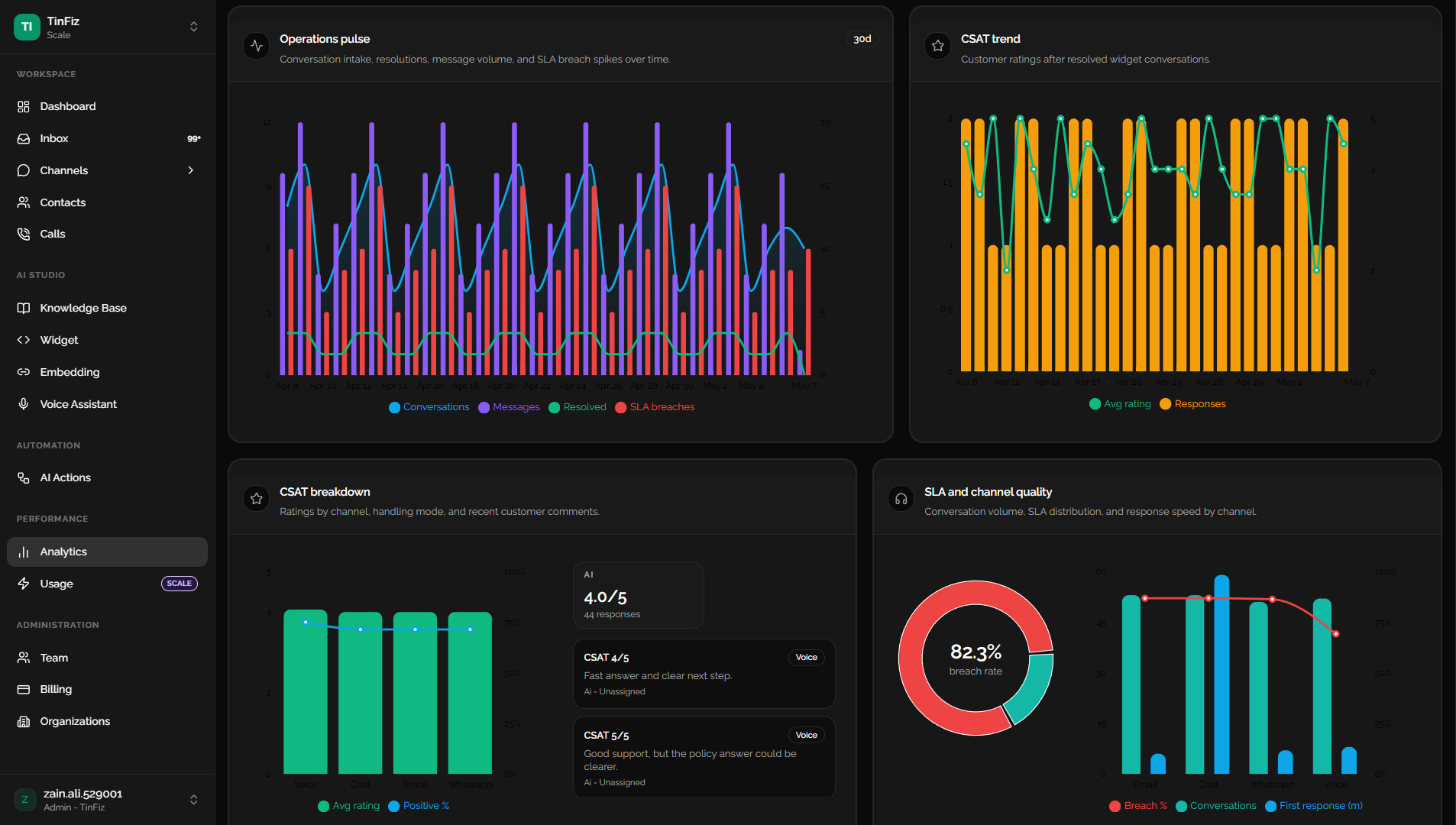
Track volume, intake patterns, and resolution movement before queues pile up.
See at-risk and breached conversations beside the channels causing pressure.
Measure customer sentiment after resolved conversations and compare AI vs human handling.
Review AI confidence, action success, failure reasons, retries, and latency.
Understand where chat, email, WhatsApp, and voice need operational attention.
Confirm the workspace has the essentials configured before support volume grows.
A quick, practical overview of how Tinfiz fits into a support workflow without overcomplicating your setup.
Start with the widget and knowledge base, then add channels, AI Actions, voice, CSAT, and reporting when your team is ready.
Simple enough for day one. Strong enough to scale.
Start with the customer-facing chat surface.
Ground answers in your approved support content.
Route, assign, take over, measure, and improve.